
How Helmweave works
Your agents. One command.
A path from the first idea to a reviewed outcome.
Bring the agents you already use into one place. Give the work a mission, follow it as it takes shape, and stay involved in what happens next.
Helmweave is experimental and under active development. It has not entered alpha or beta. GitHub repository access is currently invite-only.
One connected journey. Your direction at every step.
YOUR TOOLS, TOGETHER
Bring your agents
into one place.
Start with the tools on your computer. Helmweave discovers supported command-line agents; you choose which ones to register. Add a custom CLI or a compatible chat-completions API for text.
 Codex CLI
 Claude Code
 Hermes
 Pi
Pi OpenCode
Then give each agent a role. Presets keep instructions, model overrides and CLI settings together, with native profiles where supported.
Discovery finds tools. Each still needs its own installation, sign-in and permissions. Verified workflows use CLI agents.
Explore connections and profiles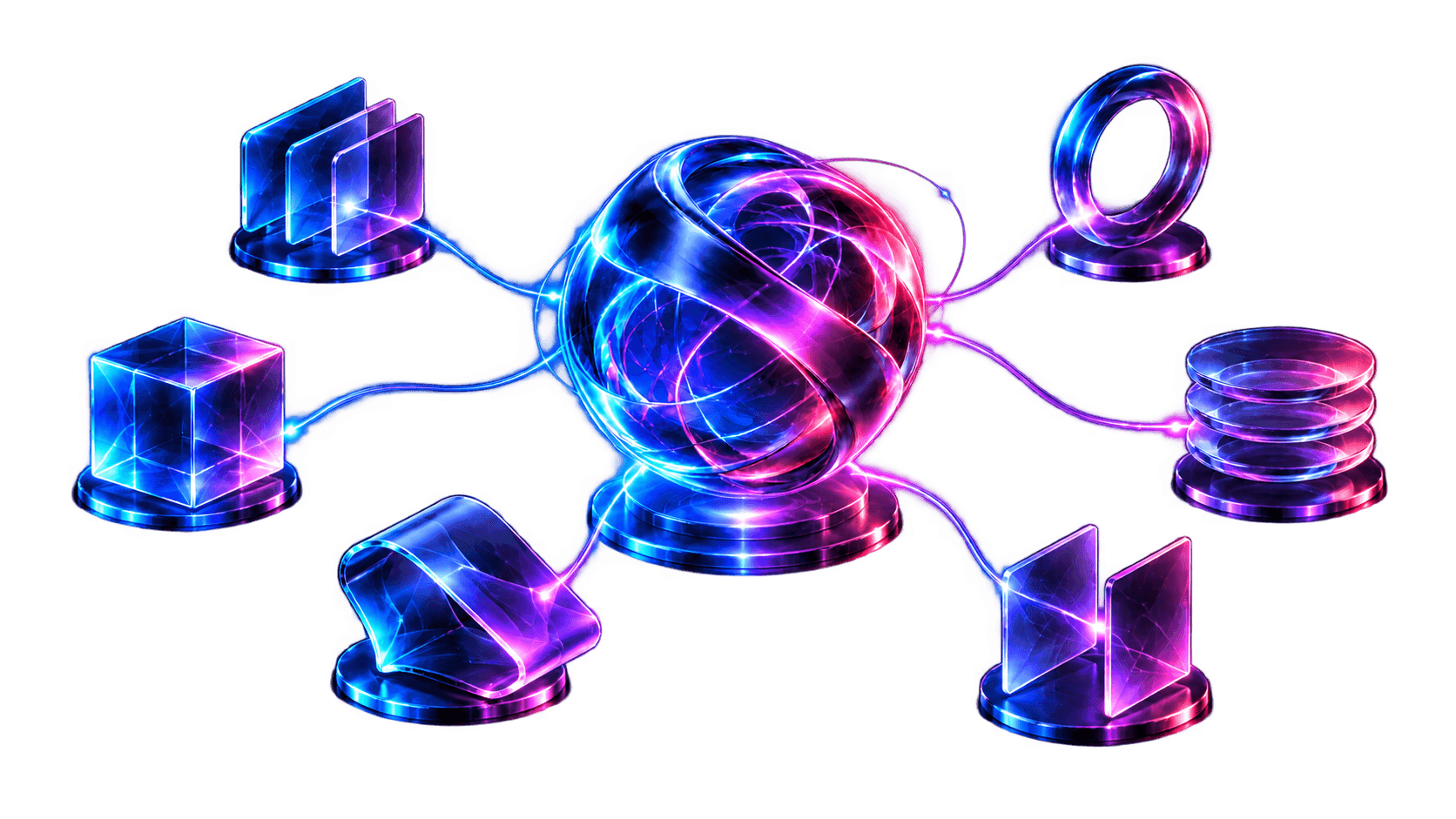
A PLACE FOR THE WHOLE GOAL
Give the work
a mission.
Talk or type through what you want to do. A mission brings the goal, its conversation and the work that follows together, keeping the history and handoffs when you come back.
Choose the project where your agents will work. For a larger brief, a Markdown or plain-text PRD on the host can become scoped milestone missions, with a shared worktree when you explicitly request one.
- Start with voice or text.
- Carry the complete brief into scoped work.
- Choose the working project and checkout.
 Project contextHistory & handoffsThe conversation
DELIBERATE STAGES
Shape the path
the work takes.
Reusable templates give each mission a starting shape: planning, research, verified coding or verified computer work. Save the starter prompt, instructions and default agent choices for the next time.
Workspace policy assigns the planner, developer, verifier and reviewer. Those stage roles are separate from the template’s default agent, so you can choose who does each part.
- Plan
- Develop
- Check
- Review
Planning and research return findings directly. Verified implementation workflows add task checks, independent assessment and goal review.
Explore workflows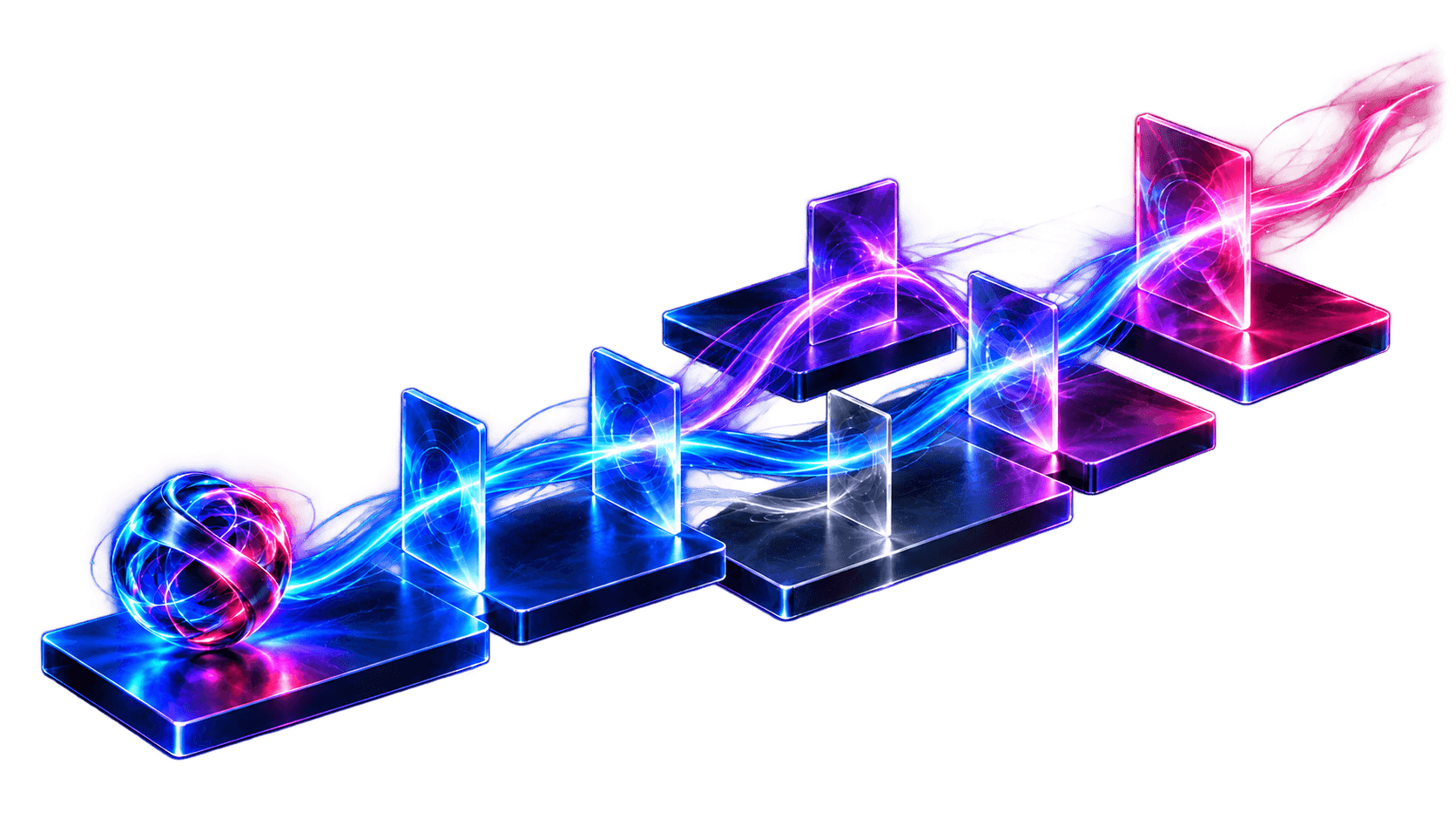
VISIBLE WORK
See the work
take shape.
The task board breaks a mission into pieces with dependencies, acceptance criteria and evidence. Open a task to see its assignment, conversation and worker activity.
The Progress tab brings together meaningful work checkpoints: findings, completed changes, next steps and blockers. The amount of live detail depends on the agent; check outcomes remain in Evidence.
- Edit a task or send scoped instructions to its worker.
- Keep dependencies and earlier evidence in view.
Progress reports help you follow the work. They do not certify that its checks passed.
Take a closer look at Progress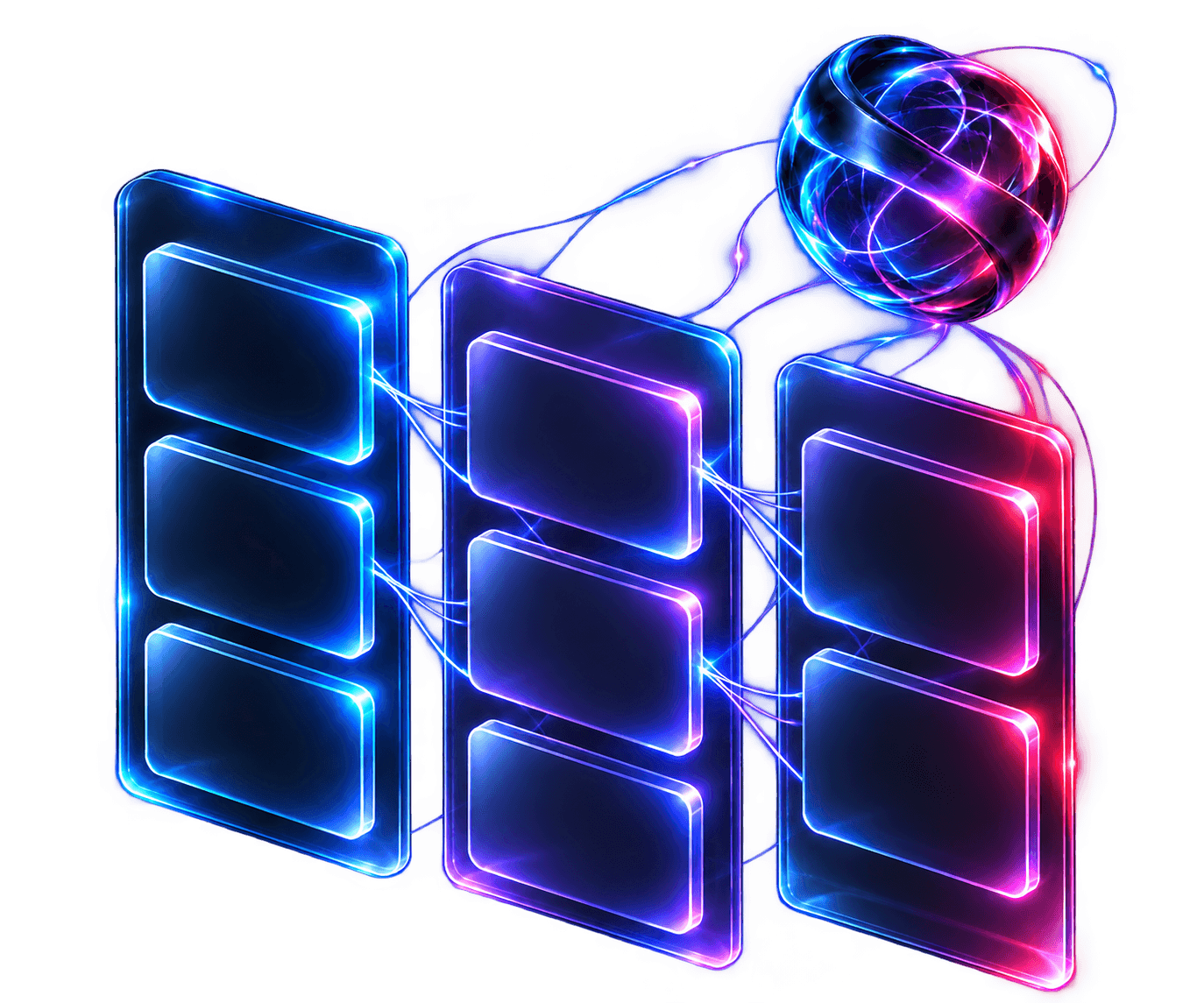
EVIDENCE, THEN A DECISION
Review what
was checked.
Focused task checks and an independent verifier assess the implementation. Once the tasks pass, combined goal checks and final review look at the outcome as a whole.
When work needs attention, steer it, pause it or use scoped recovery. A real permission request waits for the required action; retrying rechecks access. It cannot grant operating-system permission remotely.
The evidence stays with the work. The next decision stays visible.
Checks and approvals are workflow gates, not a success guarantee or a preventive sandbox. Human acceptance is included when configured.
Understand the evidence gatesSTAY INVOLVED
Keep the conversation
connected.
Questions, approval requests and failures can reach authorized Slack responders or your paired private Telegram chat, with optional completion updates. Your reply feeds back into the mission’s decision controls.
Connect to the running host from a desktop, phone or tablet browser. Home Screen support and opt-in Web Push can bring task changes and requests for attention to your device.
The host must remain running and reachable. Messaging and notifications need internet access; each device’s permissions still apply.
See connected decisions
THE NEXT PIECE OF WORK
One mission
leads to the next.
Link missions with explicit prerequisites and reorderable dependency stacks. A larger goal gets a visible relationship between its parts.
With optional automatic progression, completed implementation and final verification of every prerequisite can prepare the next implementation plan.
You still review that plan before development begins.
Planning-only completion and manual closure do not unlock it. Links across separate checkouts carry reference context; they do not copy or merge code.
Explore linked missions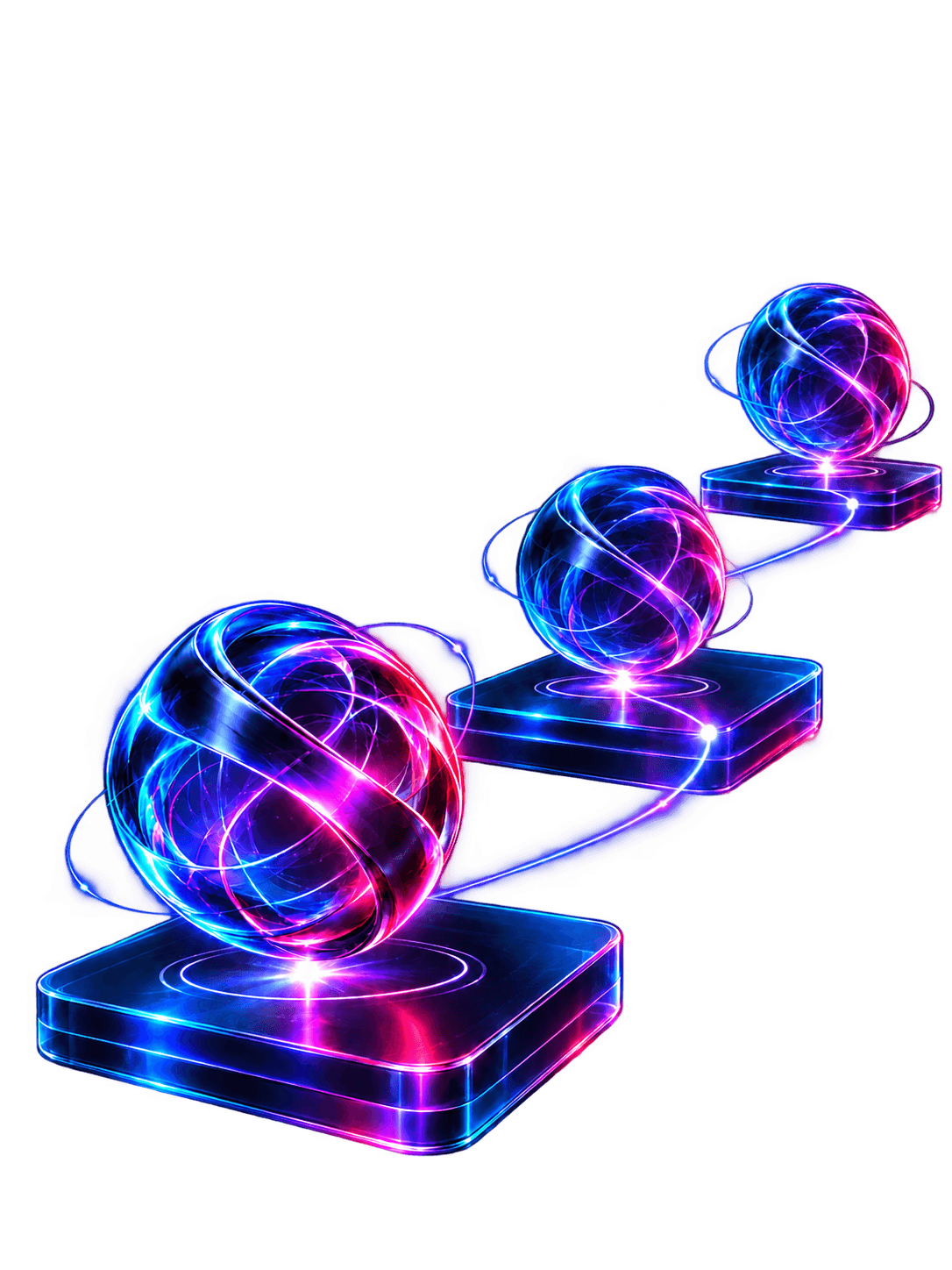
A clearer way to stay
with the work.
I’m building Helmweave around a simple idea: bring the agents together, give the work a mission, and make it easier to follow how that work develops.
Missions and settings live on your host. Relevant task context and voice recordings go to the providers you choose. The artwork above explains concepts; it is not an application screenshot.
Helmweave is experimental and under active development. It has not entered alpha or beta. GitHub repository access is currently invite-only.